
// Apps · Networking
WiFi Analyzer Network Scanner
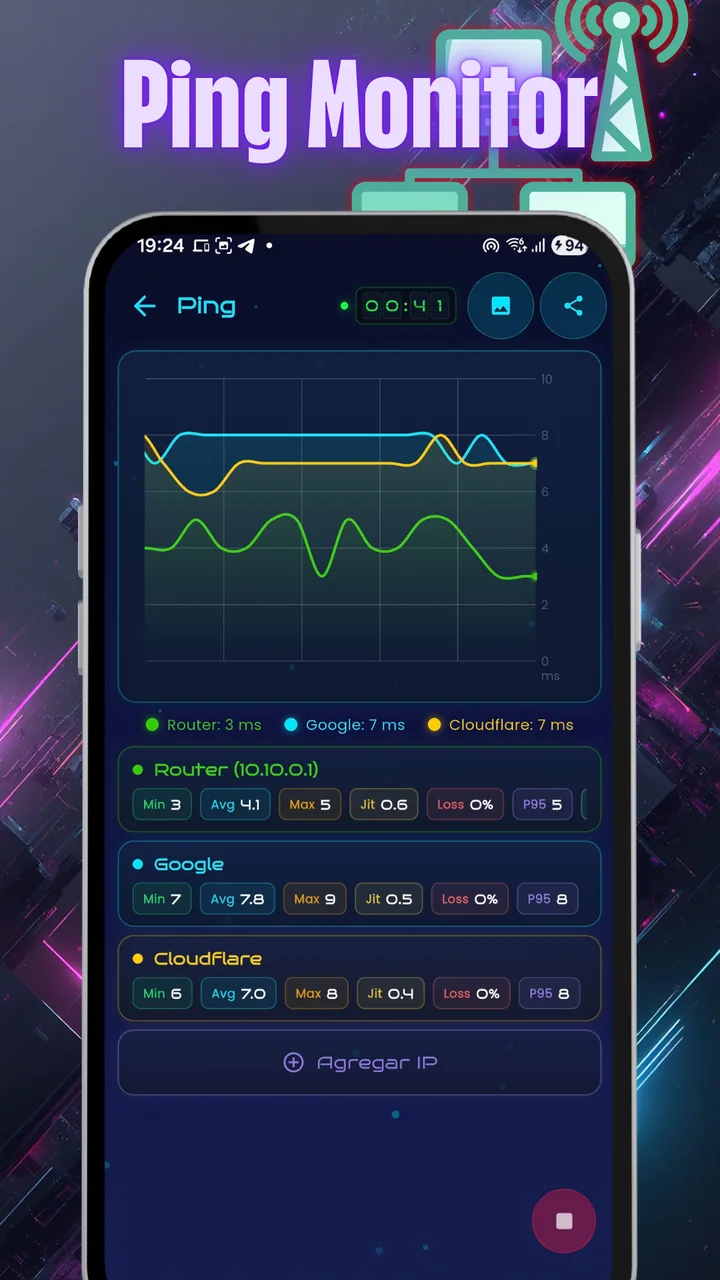
A professional analyzer for WiFi and cellular networks, with a suite of IT tools. The main panel shows connection health, the WiFi network, IP addresses, the router and the internet uplink in a single view, with ping graphed live.
- Free
- Android
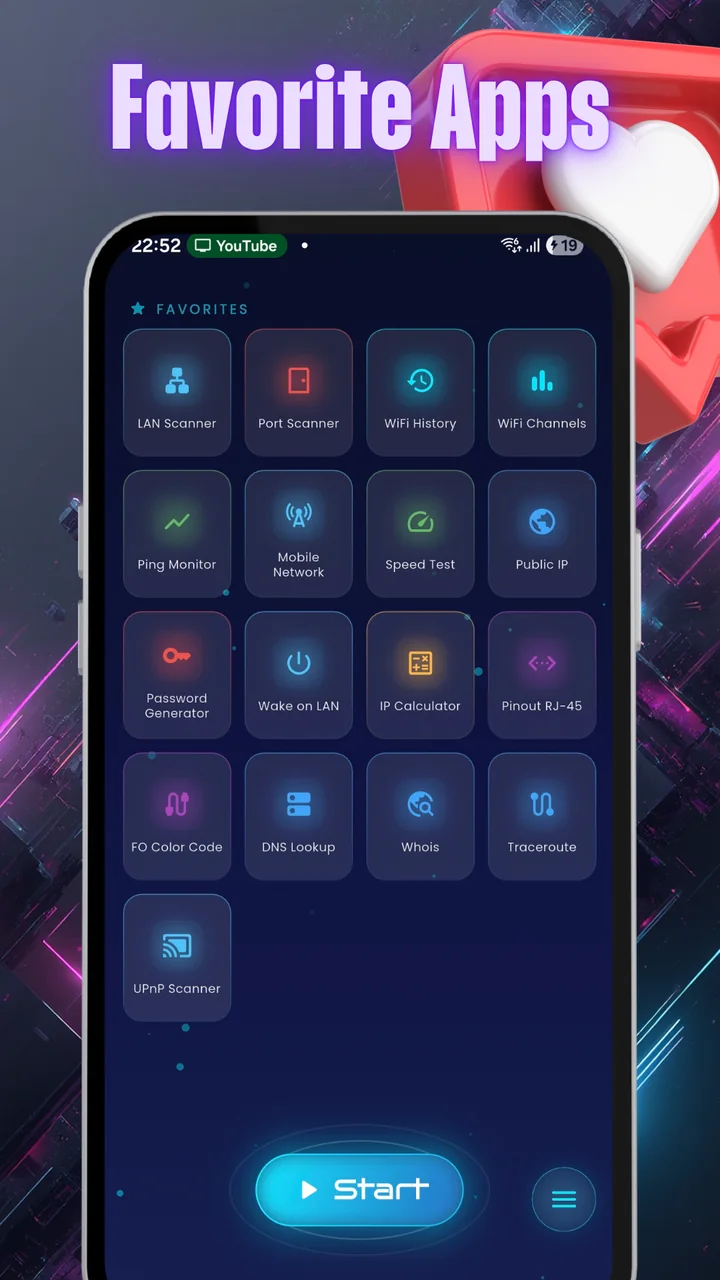
- 19 tools
- English and Spanish
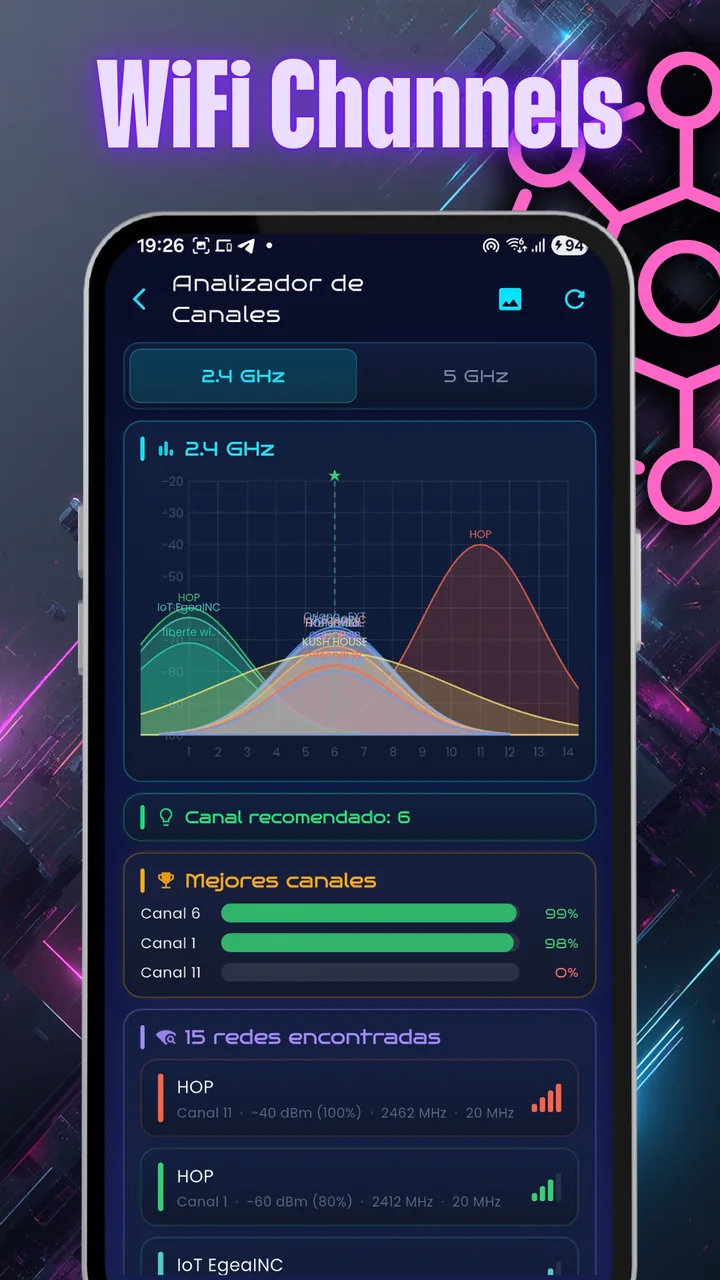
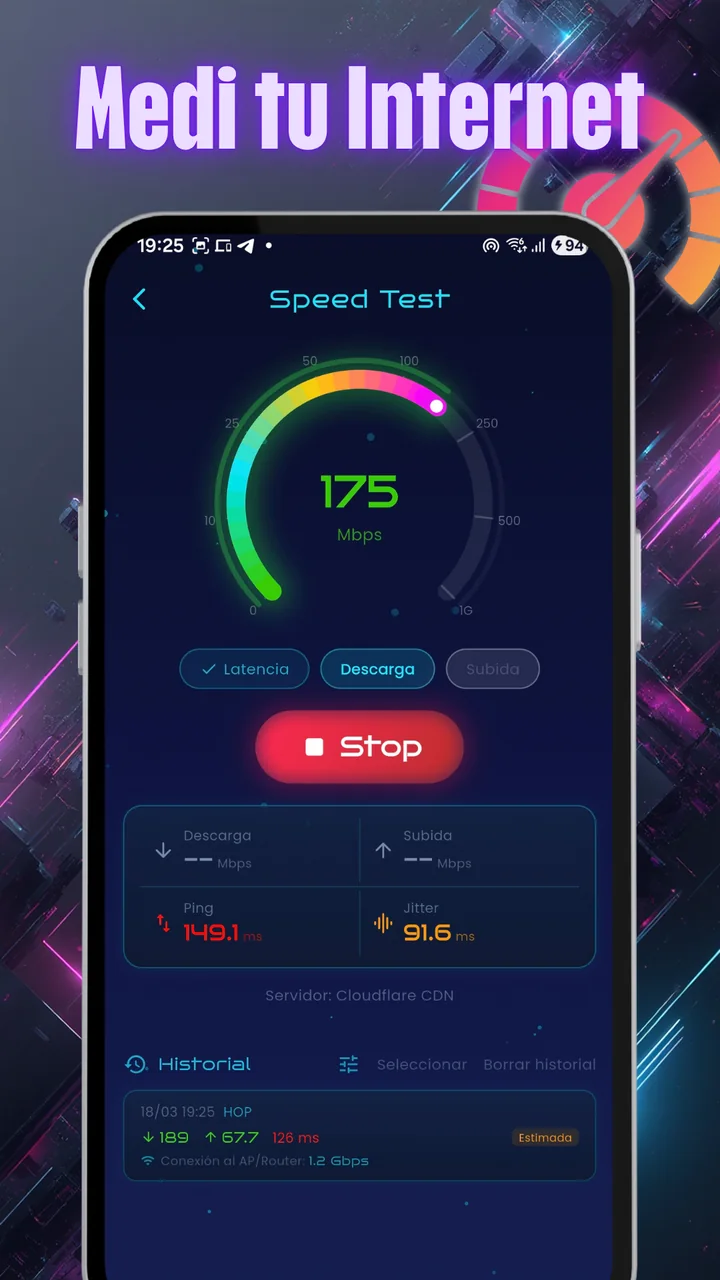
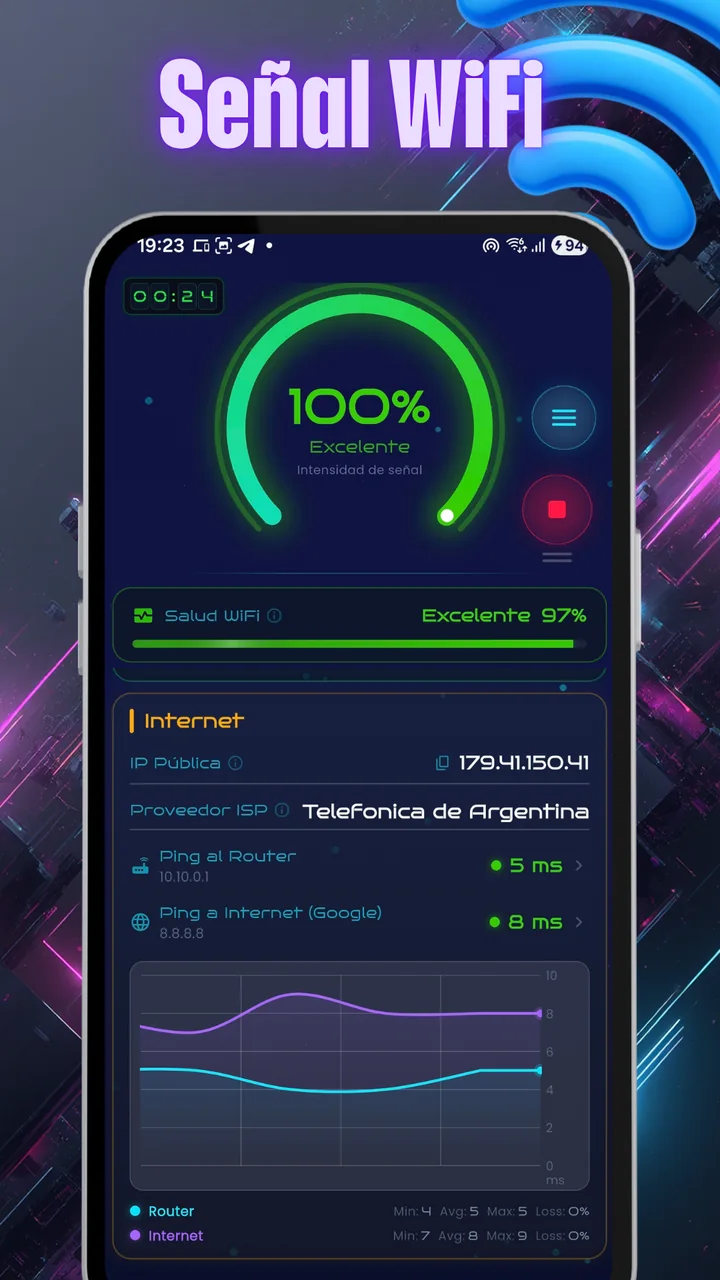
What it looks like
Screenshots of the app, as published on Google Play.
On video
The app at work, on our YouTube channel.


A network toolkit in your pocket
Built for technicians, network administrators, gamers and anyone who wants to know what their connection is doing.
Connectivity and diagnostics
- WiFi ChannelsAnalyzes congestion on 2.4, 5 and 6 GHz to find the best channel. Swipe between bands.
- Network TrackingFollow a network's signal in first person, with the strength in large type and whether you're getting closer or farther, until you find the access point.
- WiFi HistoryLogs your connections with signal and provider data.
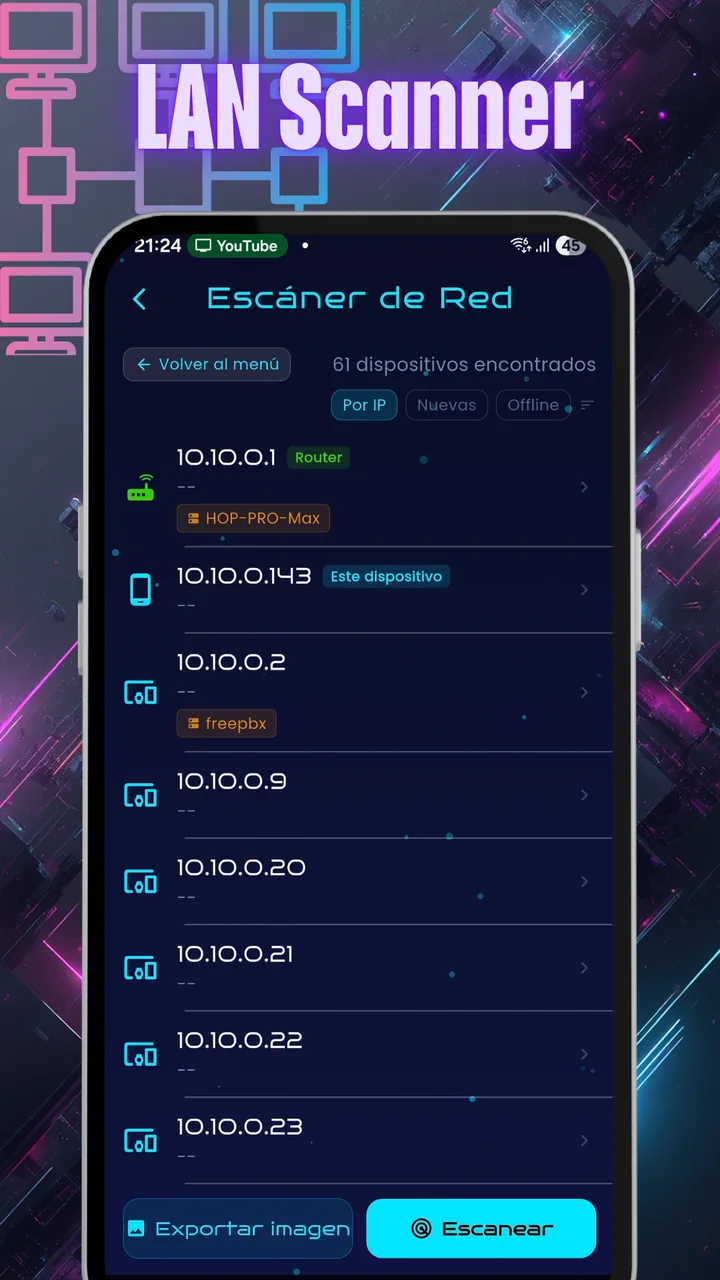
- LAN ScannerDiscovers the devices on your network and flags which are new and which are gone.
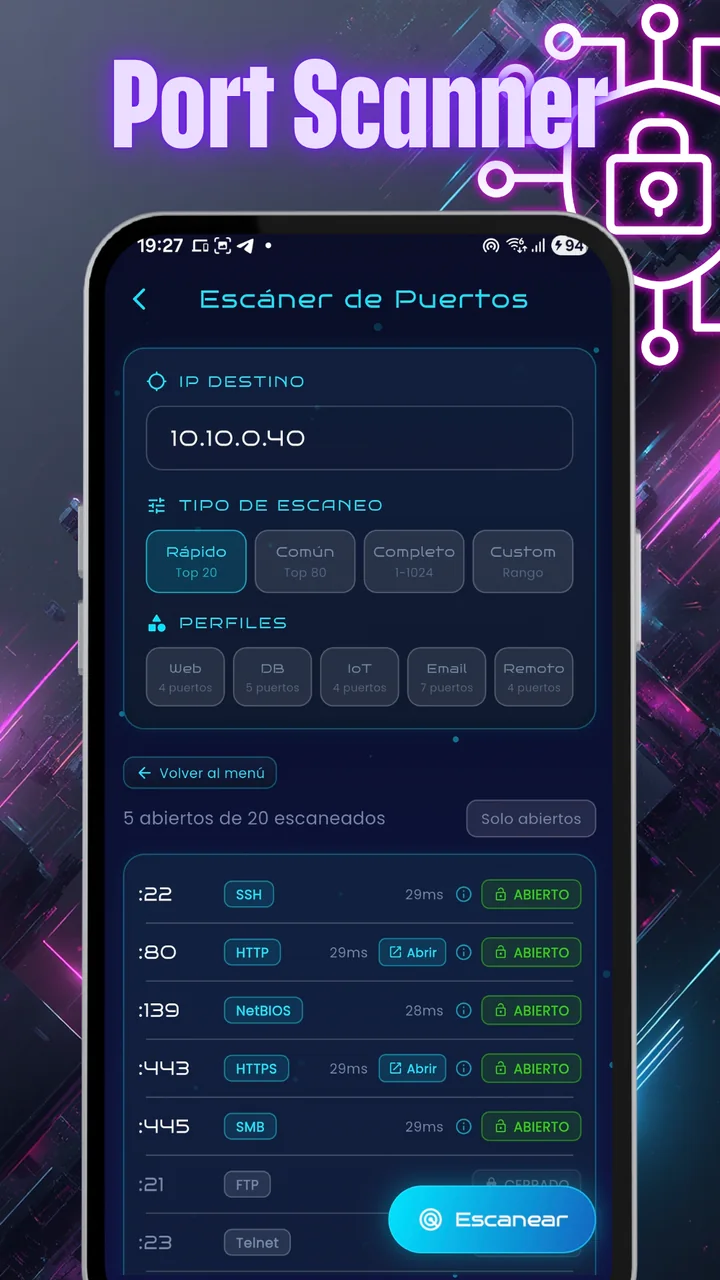
- Port ScannerDetects open TCP ports and the services answering on them (HTTP, SSH and others).
- Ping MonitorMeasures latency in real time, with continuously scrolling graphs.
- Speed TestMulti-connection speed test against Cloudflare's network, with bottleneck indicators.
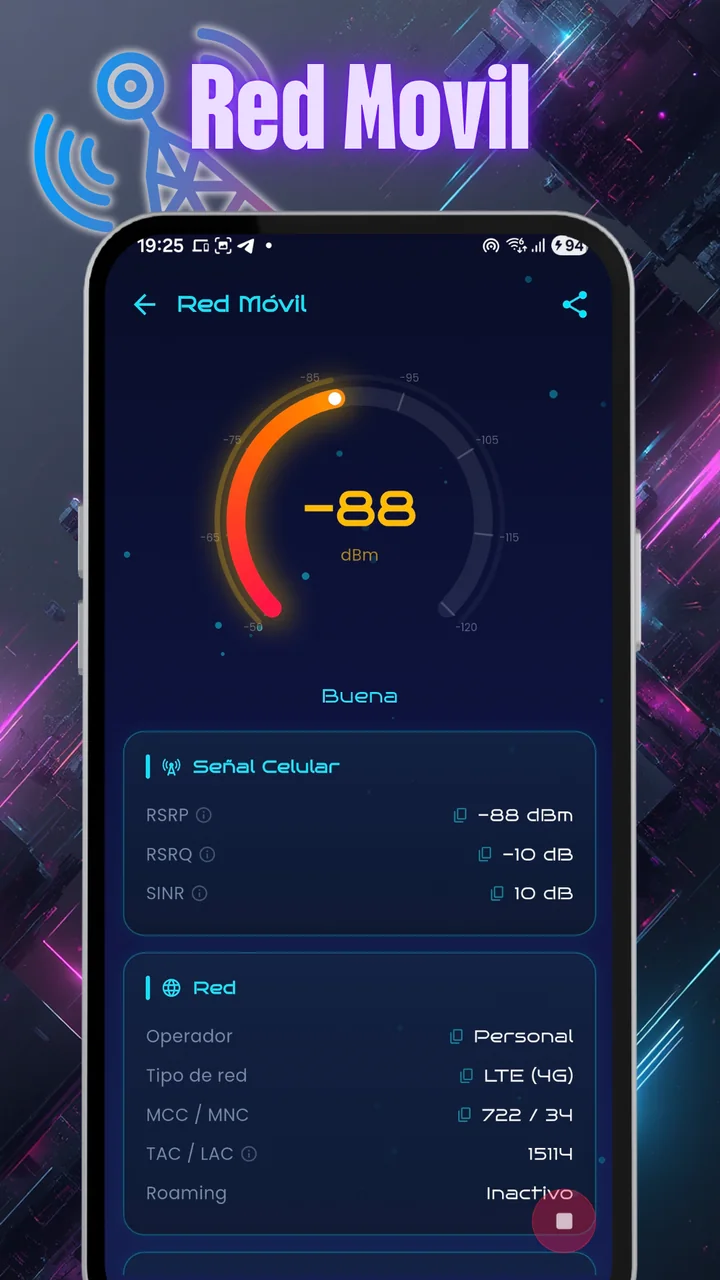
- Mobile NetworkCellular signal in depth: RSRP, RSRQ, SINR, band and neighbor cells, with each cell's name from a CLF file (the G-MoN format).
- Public IPYour external IP, your provider and approximate location.
- TracerouteThe route hop by hop with its times, on a map and with comparison.
- DNS LookupA, AAAA, MX, TXT, NS, CNAME and SOA records, with the server you choose.
- WhoisRegistration data for a domain or an IP address: holder, network, country, AS and location.
- Wake on LANTurn on devices on your network remotely.
- UPnP ScannerDiscovers devices with UPnP enabled.
Cabling and fiber optics
- RJ-45 PinoutA visual guide for wiring UTP cables to the T-568A and T-568B standards.
- Fiber color codeInteractive viewer for the TIA-598-C and SIECOR standards, with a rack view, zoom and trays from 8 to 48 fibers.
- Fiber dB calculatorCalculates a link's expected attenuation from fiber type, wavelength, distance, splices and connectors, and compares it with your measurement. Includes a dBm to mW converter.
Utilities
- Password generatorCreates strong passwords and checks them against breaches, without ever sending the password.
- IP calculatorSubnets, ranges and CIDR masks.
Also
- Dark glass designA dark interface, built for OLED screens.
- A glossary to learn fromTap any metric and the app explains what it means.
- Large text, nothing brokenIf your phone uses enlarged text, the app follows it up to 30% larger.
Free, and Pro without ads
Every tool is free, with no limits. What used to be paid (Traceroute, DNS, Whois, Wake on LAN, UPnP, full histories, exporting and sharing) is now open to everyone.
The app is supported by discreet ads.
Frequently asked questions
Is WiFi Analyzer free?
Yes. All 19 tools are free, with no limits. The app shows discreet ads; if you'd rather not see them, EgeaINC Pro removes them for good with a one-time payment.
What happened to the features that used to be Pro?
Since version 0.74.0 everything that was Pro is free: Traceroute, DNS, Whois, Wake on LAN, UPnP, full histories and more. Pro is still the same one-time payment and now removes ads.
Where do my measurements go?
They stay on your phone. Measurements and history are stored on your device, with no account and no EgeaINC server.
Can it show my cellular signal?
Yes. Mobile Network shows RSRP, RSRQ, SINR, the band and neighbor cells. If you import a CLF file, it also tells you which site you're connected to.
Does it see 6 GHz networks?
Yes, if your phone can see WiFi 6E networks. The channel analyzer covers 2.4, 5 and 6 GHz.
Which languages is it in?
English and Spanish.
Measure your network for real
Free on Google Play. Nineteen tools, no account, and your data stays on your phone.
What changed in each version: the changelog · info@egeainc.com
More apps by EgeaINC
 Fixture FootballLive leagues, results and predictions
 LanvioWiFi and LAN speed test
 TitaSimple, warm reminders
 KioskeoPOS for your shop
 MitapSplit expenses, easily
 BelleBookBooking for beauty salons
 BarberBookBooking for barbershops
 DoctorBookBooking for clinics
 Fake GPS NellMock location
 CronadaSwimming timer