

// Apps · Networking
Lanvio LAN Speed Test
Lanvio turns your phone or tablet into a speed test server for your local network. From a computer or another phone you open the address it shows in the browser and measure the real speed between those devices, over Wi-Fi or cable. Nothing to install on the other end, and nothing goes through the internet.
- Free
- Android
- No internet involved
- English and Spanish
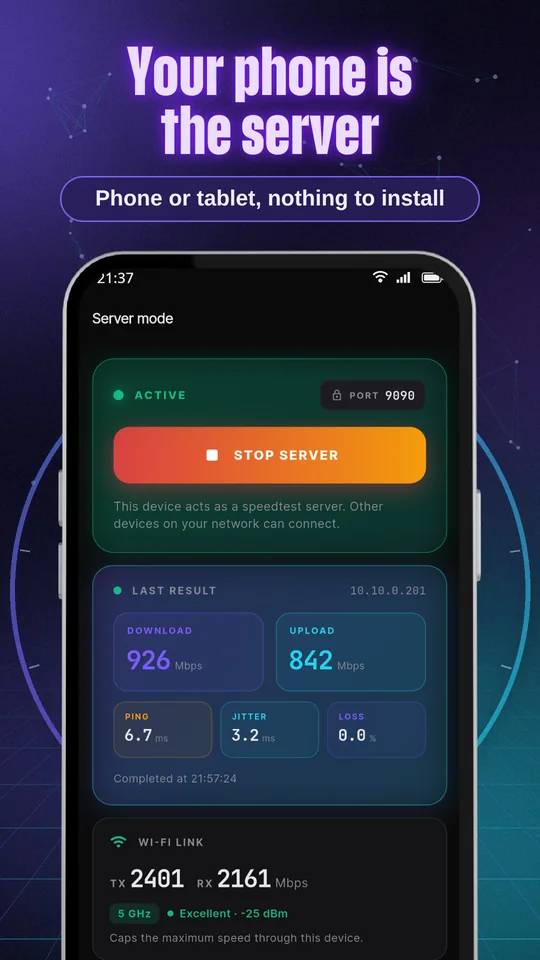
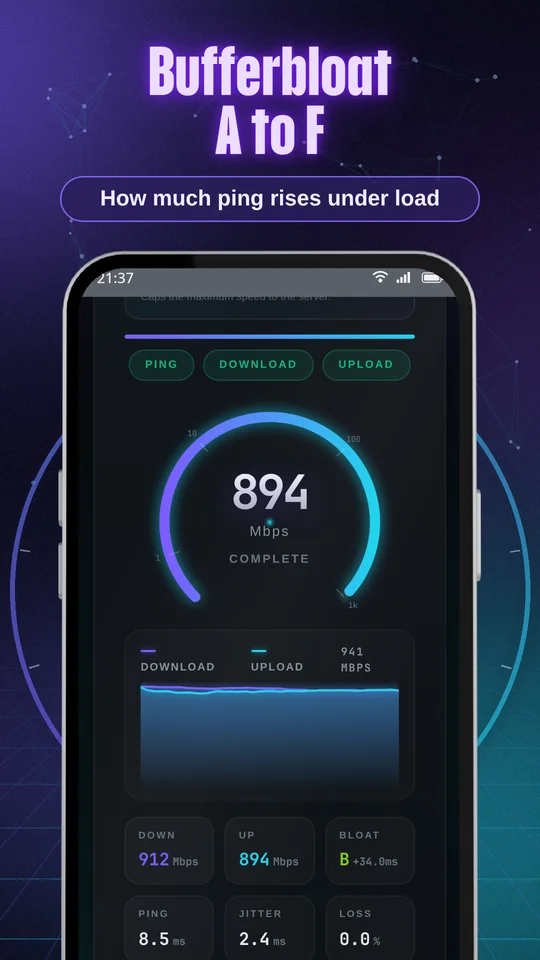
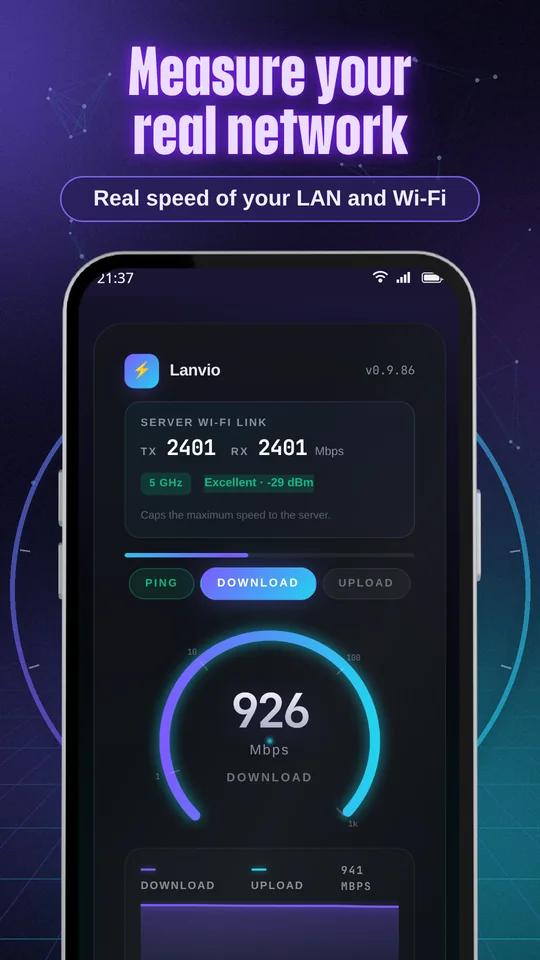
What it looks like
Screenshots of the app, as published on Google Play.
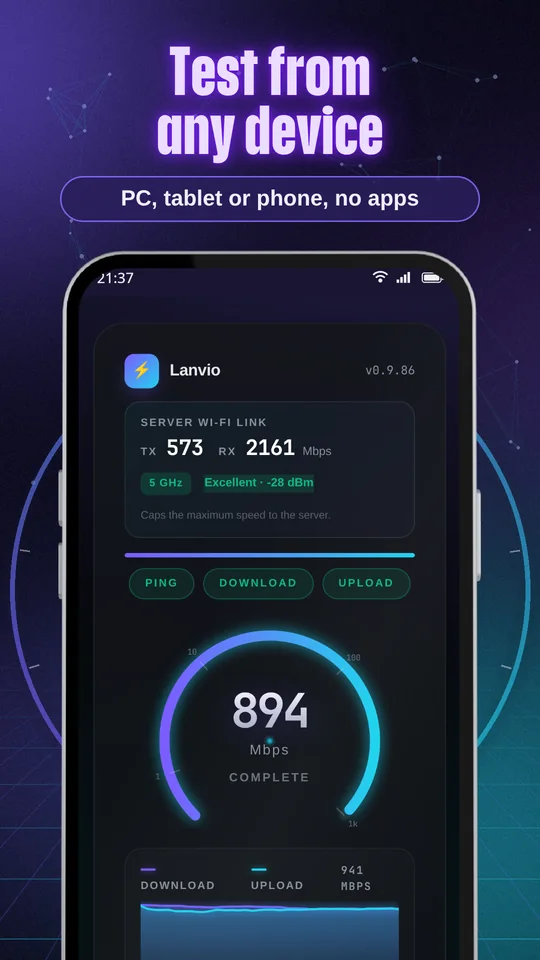
Your network, measured for real
To find out how fast your router really is, compare 2.4 GHz with 5 GHz, find the corners where Wi-Fi drops, or validate a network installation.
What it measures
- Download and uploadThe real speed between your devices, in Mbps.
- Ping, jitter and lossHow long the network takes to answer, how much that varies and how many packets are lost.
- Bufferbloat, graded A to FHow much latency rises when the network is loaded. A low grade explains why video calls stutter when someone is downloading.
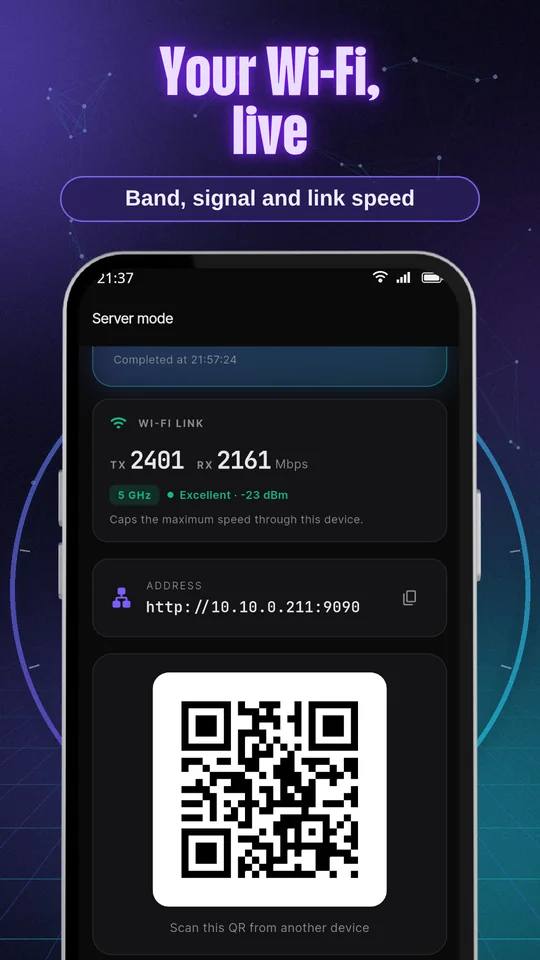
- The server's Wi-Fi linkBand, signal and link speed of the device acting as the server.
Always on
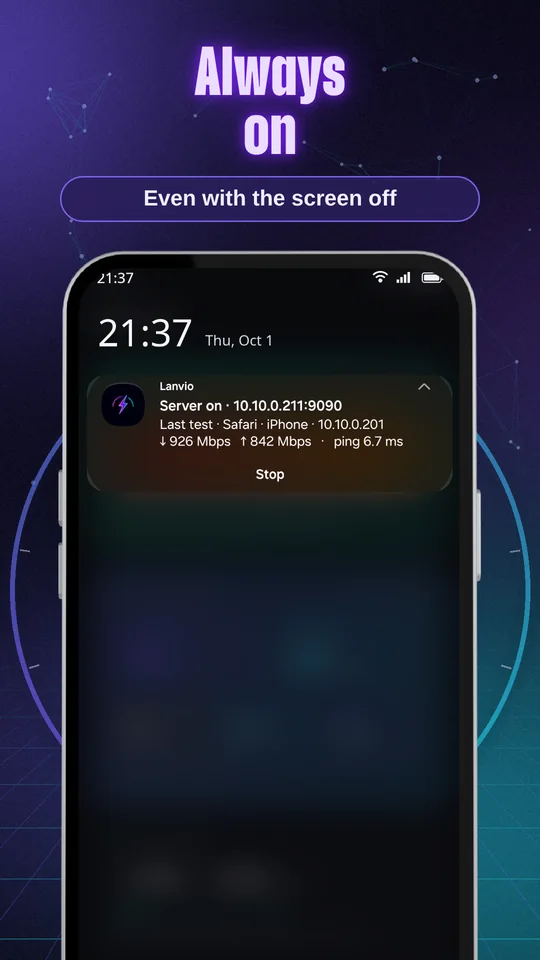
- With the screen offThe server keeps answering with the screen off or the app in the background.
- Everything in the notificationThe address, the test in progress and the last result, with a button to stop it.
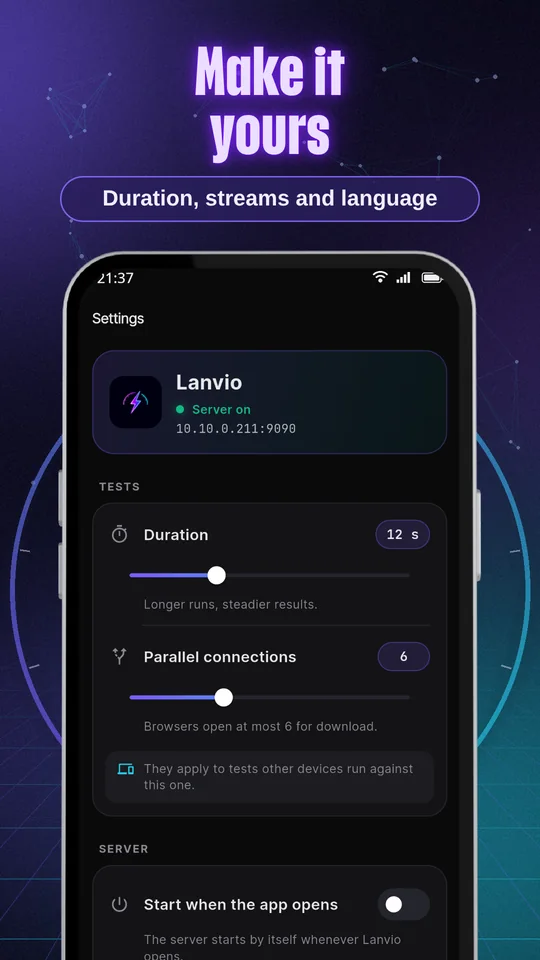
- Starts on its ownIf you want, the server starts when you open the app.
History and settings
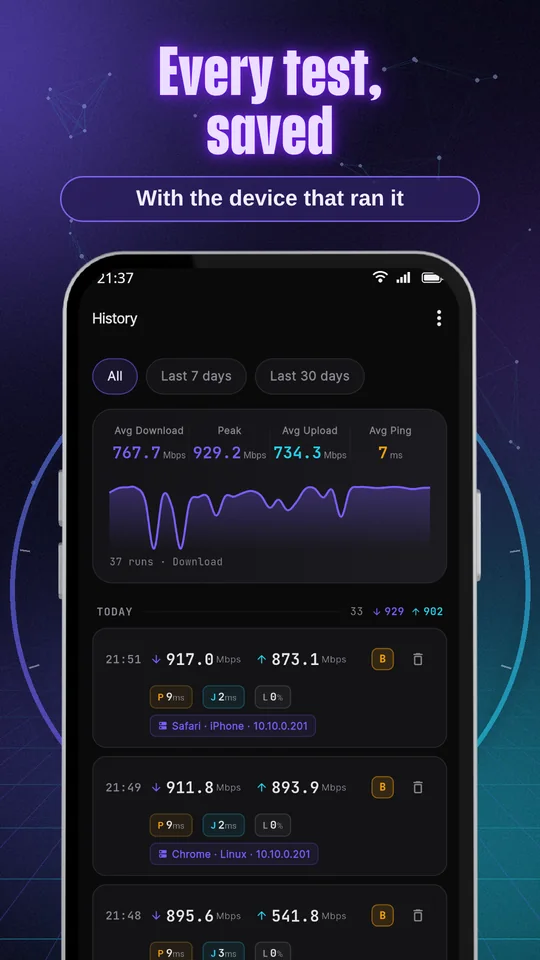
- Every test, savedAlong with the device that ran it, for example "Chrome · Windows".
- Averages, peaks and a graphWith filters by period and by Wi-Fi network, and CSV export.
- Made to fit youChoose the test duration and the number of parallel connections.
- In English and SpanishThe app and also the test page that opens in the browser.
How it works
Three steps, and nothing to install on the other device.
- Start the serverLanvio shows you an address and a QR code.
- Open that addressFrom any device on your network, in the browser, and tap "Start test".
- Or test from another phoneWith Lanvio installed, it finds the servers on your network by itself.
All free
Every feature is free. Lanvio shows ads on the Server and History screens, never on the test page.
Tests and their results stay on your devices: nothing is sent to EgeaINC servers, and there are no user accounts.
Frequently asked questions
What is bufferbloat?
It's how much ping rises when the network is busy. Lanvio compares idle ping with ping during download and upload, and grades the difference: A+ (under 5 ms), A (under 30), B (under 60), C (under 200), D (under 400) and F (400 or more). A low grade means the router queues too much: video calls and games stutter when someone is downloading.
Does it use my mobile data or the internet?
No. The test runs directly between your devices, inside your network. The internet is only used for ads in the free version and for buying Lanvio Pro.
Why does it ask for location?
Android only lets apps with location permission read the Wi-Fi network name. It's optional: without it, Lanvio works the same and just doesn't show the network name.
My result is lower than the link speed. Is something wrong?
No. Link speed is the theoretical maximum of the Wi-Fi connection; what actually gets through the network is usually quite a bit less, especially over Wi-Fi.
Do I have to install anything on the computer?
No. The other device only needs a browser: open the address Lanvio shows and that's it.
Find out how fast your network is
Free on Google Play. Your phone is the server and the test never leaves your home.
What changed in each version: the changelog · info@egeainc.com
More apps by EgeaINC
 Fixture FootballLive leagues, results and predictions
 WiFi AnalyzerAnalyze your network + 17 tools
 TitaSimple, warm reminders
 KioskeoPOS for your shop
 MitapSplit expenses, easily
 BelleBookBooking for beauty salons
 BarberBookBooking for barbershops
 DoctorBookBooking for clinics
 Fake GPS NellMock location
 CronadaSwimming timer